There is no official Fortune Dragon app to download. PG Soft’s page for the game links to neither Google Play nor the App Store. The slot is built in HTML5 and opens straight in a phone browser, with a 21.7 MB first load according to the studio. Files sold as “Fortune Dragon APK” are not PG Soft’s work; the studio has never released this slot as a standalone app. What you can get is a casino’s own app with the game inside, or a home-screen shortcut that behaves like one. Here is how each option works and where the risks are.
Is there an official Fortune Dragon app?
No, and there isn’t meant to be. PG Soft is a supplier: it licenses games to casinos, which put them in their websites and, sometimes, their own apps. So the useful question is whether a particular casino’s app is genuine. Get it only from the official app store or the licensed operator’s own site, and check the publisher name matches the company in the casino’s terms.
How Fortune Dragon runs on mobile
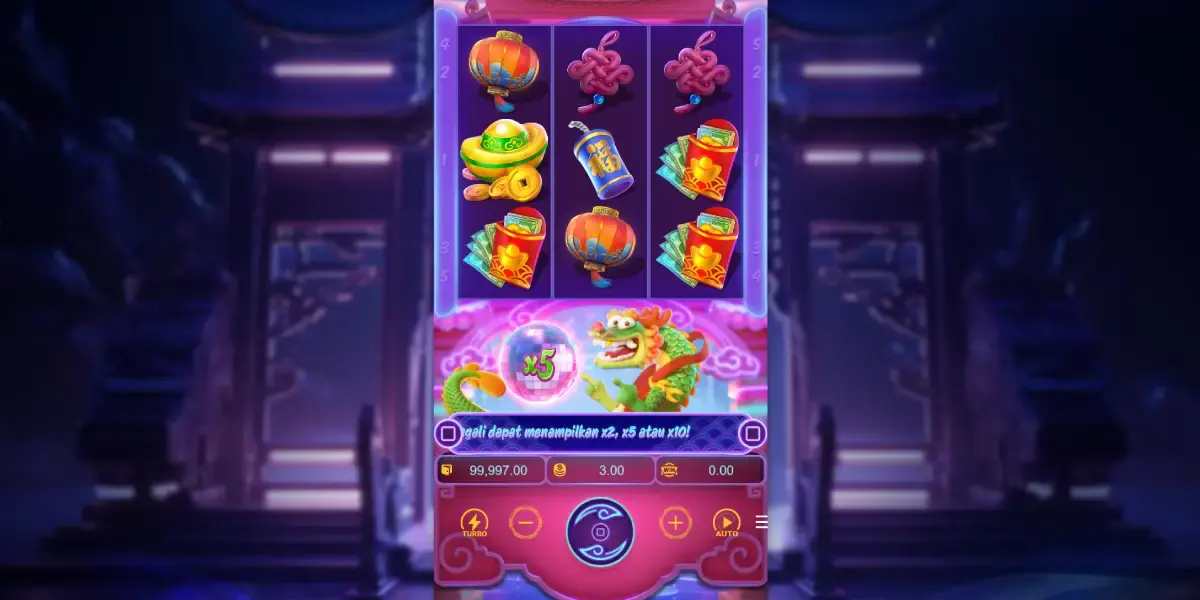
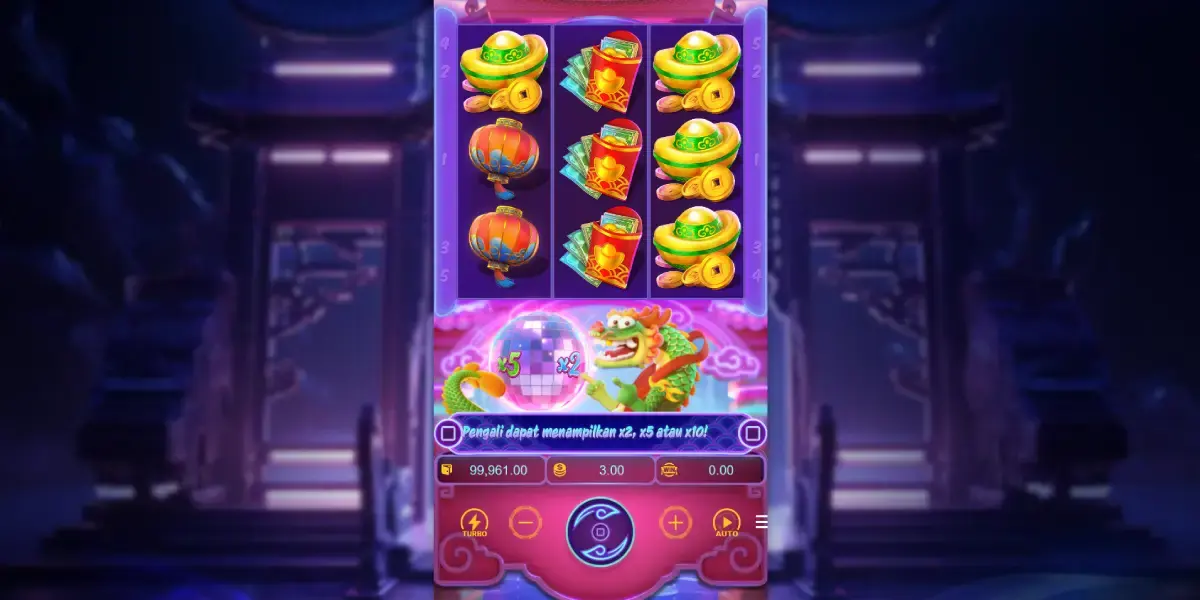
The game is designed for a phone held upright. The 3x3 grid sits at the top, the multiplier reel and the dragon in the middle, and the controls along the bottom: Turbo, minus, spin, plus, Auto and the three-line menu that opens the rules and paytable.
The first launch downloads about 21.7 MB, so use Wi-Fi if your data plan is tight. After that the browser cache does most of the work.
Sideloading a “Fortune Dragon APK”: what can go wrong
Sideloading on Android only works after you allow Chrome or a file app to install software from outside Google Play. Once that switch is on, the phone will take software that no store has screened. An APK branded as a dragon slot can ask for SMS, contacts or accessibility access that a slot has no use for, show a rigged copy of the game that wins easily to push you towards a deposit, or simply serve ads. Searches like “fortune dragon slot download” surface plenty of these files. None of them is distributed by PG Soft.
A home-screen shortcut instead of an app
If you want one-tap access to the demo or to a licensed casino’s site:
- Android with Chrome: load the page, open the ⋮ menu at the top right and pick the “Add to Home screen” entry.
- iPhone with Safari: load the page, press the square-and-arrow Share icon, scroll down and select “Add to Home Screen”.
- Confirm with a short label you’ll recognise. The icon launches the page full screen, and nothing gets installed.
You can try all of this with the Fortune Dragon demo. For real-money play, start with the casino checklist.
Affiliate link: a partner decides the destination and whether your country is accepted. Brazil’s MP 1.394/2026 ban covers betting apps as much as websites. 18+.